Christmas mini sessions: getting through the season of orders
Many short galleries, tight deadlines, reminders, automatic invoices and push alerts on your phone. We walk through the Christmas season in order, from preparing galleries to the lab.
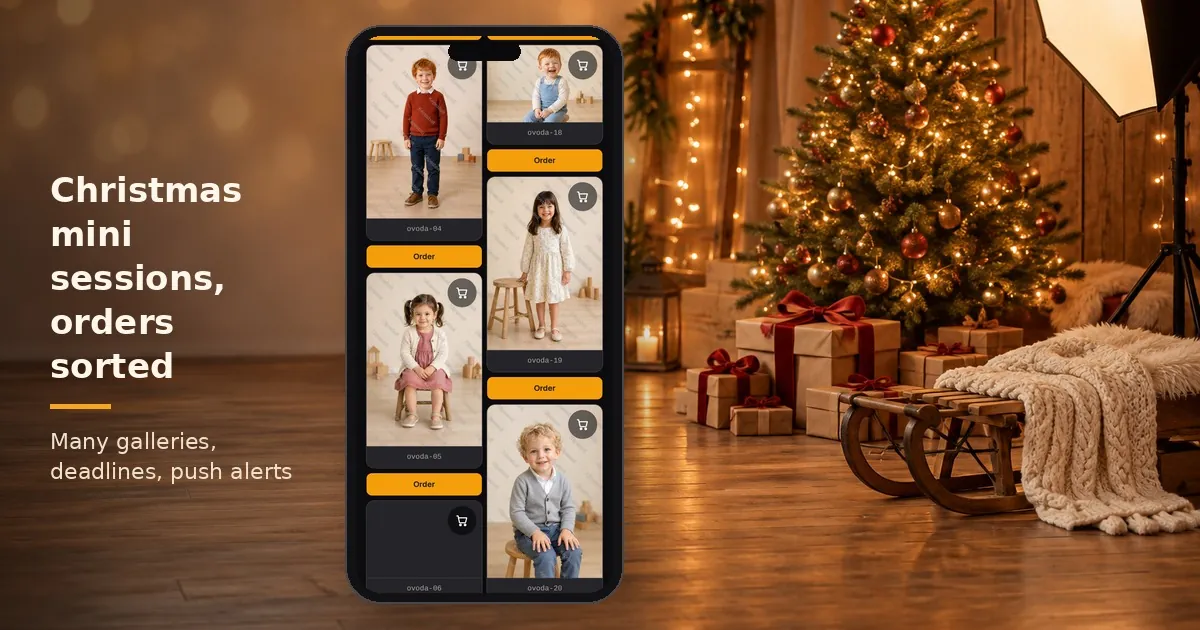
Christmas mini sessions fill up the calendar for a few weeks. A single weekend can bring a dozen families, each getting a short session, and all of them want their photos before the holidays. This article walks through the season in order: how to prepare your galleries and how to handle the orders without rushing.
Christmas mini sessions: why the orders are harder than the shoot
A mini session takes 15 to 20 minutes. The work around the order, however, is the same per family as for a longer shoot: gallery, link, payment, invoice, production. With twenty families, that is twenty times the admin.
So the goal for the season is to set up every repeated step once. After the shoot you only upload the photos, and the rest follows the usual routine.
Before the season: a pricing template and products set up once
Put together your Christmas offer once, in advance: prints, digital files, photo gifts. On the Pro plan you can save it as a pricing template. You pick the same template for every new gallery instead of rebuilding the offer for each family.
To encourage larger orders, you have two tools:
- bonus digital download: on the Pro plan, above an amount you set, the customer receives a download link,
- coupon or category discount: per gallery, with your own rules.
The cart shows how much is missing for the bonus, so parents can see for themselves whether one more photo is worth it.
On the day: many short galleries, kept in order
Each family gets its own gallery with its own password, so nobody sees another family's photos. You can put the galleries into one gallery group, for example "Christmas minis 2026", so you can filter the orders together later.
You upload photos in the browser, several at once. On the Pro plan you can also import from your own Google Drive folder.
If you install the photographer app, your phone tells you when a gallery has finished processing or stopped with an error. No need to sit at the computer refreshing the page. You can set quiet hours too, so it does not wake you at night.
After the link: deadline and reminder
Before Christmas, the deadline matters more than anything. On the Pro plan you set it per gallery. After the deadline no new orders arrive, so you can send the whole batch to the lab in time.
Parents have a lot on their minds in December and easily forget to order. That is why the gallery reminder is worth switching on. On the Pro plan you can send one or two emails to people who opened the gallery but have not ordered yet. You can time them after the visit or before the deadline. You choose the text and the design.
An order comes in: payment, invoice, notification
When a family orders, push notifications, once enabled, alert you on your phone. The order appears in your photographer dashboard with its items and payment status.
If you connected your own payment provider on the Pro plan, parents pay by card and the money goes to your account. If you also connected your Billingo or Számlázz.hu account, the invoice is issued automatically from your own invoicing account.
For digital products, the customer receives a download link after the order. You do not have to put together a file share for each family.
After the deadline: production and delivery
After the deadline, filter the orders by the gallery group. Check them in the printable view, then use lab export to put the photos into a production package.
If there are many orders, switch on the production tracker. New orders automatically get a card on a work board, and you can move them column by column from production to hand-over. The feature is off by default and does not backfill earlier orders.
Képesbolt does not print or ship. You organise the lab, packaging and hand-over, as agreed with the families.
End of season: what do the numbers say?
After the season, have a look at the product statistics. For each product you see the quantity and the number of orders, you can filter by gallery group, and download it all as CSV. Next year this tells you which products sold and what to drop from your offer.
Frequently asked questions about Christmas mini sessions
Does each family need its own gallery? It is worth it. That way everyone sees only their own photos, with their own password.
How do parents not forget to order? On the Pro plan, one or two gallery reminders go to people who opened the gallery but have not ordered yet.
How do I know an order has arrived? The installable photographer app sends a push notification to your phone. The order also appears in your photographer dashboard.
Who prints the photos? You do, with your own lab. Képesbolt collects the orders and prepares them for production.
When should I start setting things up? Before the season, while you have time. The 7-day Pro trial starts without a bank card, so you can test the whole flow in advance.
The feature list is on the Features page, and gallery details are on the online gallery page.