Card payments and automatic invoices for photo orders
Barion, SimplePay or Stripe on your own account, bank transfer and cash alongside, and invoices issued from your own Billingo or Számlázz.hu account. Here is what is automatic and what stays with you.
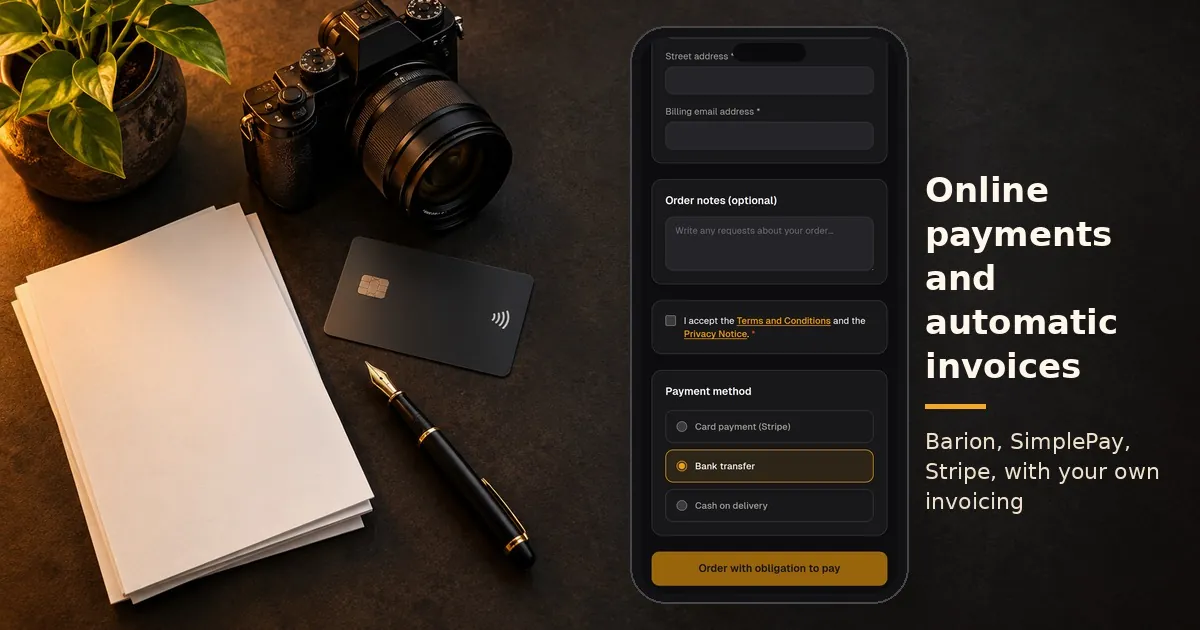
The most frustrating part of photo orders is often not the selection but the money. Who has paid, who has not, who still needs an invoice, and where did that bank transfer reference go? This article looks at how online payments for photographers work in Képesbolt, and what happens to the invoice after payment.
Online payments for photographers: the money goes to your account
Képesbolt does not hold your money. Customers pay through your own payment provider, and the revenue goes straight to you. On the Pro plan you can choose from three providers:
- Barion,
- SimplePay,
- Stripe.
You sign the contract with the provider, and their fees are charged by them. Képesbolt takes no commission on your orders.
If you photograph kindergartens or schools, this is the biggest relief. Parents pay you directly, so the institution does not have to collect money. It is worth agreeing on this with the kindergarten in advance.
Card, bank transfer or cash
Next to online payment you can also offer bank transfer and cash. For both you can write your own instructions, which the customer sees at checkout. This is where your account number and the payment reference format can go.
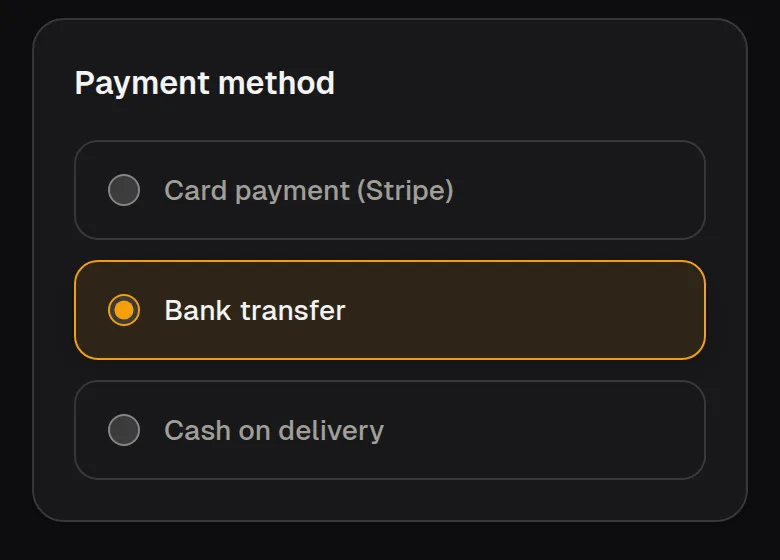
At checkout the customer chooses from the payment methods you offer.
The choice is the customer's. They see the methods you offer at checkout and pick one when ordering.
Bank transfers and cash are yours to check. When a transfer arrives, you mark it as received on the order. That way the order list always shows which orders are paid and which are still waiting.
Automatic invoices from your own invoicing account
On the Pro plan you can connect your own Billingo or Számlázz.hu account. After a successful payment, Képesbolt calls your invoicing provider's API. The invoice is issued in your name, with your tax settings, and is emailed to the customer.
Customer details come from checkout. You do not have to retype names and addresses, and the kindergarten teacher does not have to collect them either.
Your business remains the issuer of the invoice. Képesbolt does not invoice on your behalf from another company; it only takes over the manual work of issuing. For any specific tax question, your accountant is the right person to ask.
Document rules per payment method
Not every payment needs the same document. With invoicing profiles and rules tied to the payment method, you decide what is issued for card payments and what for bank transfer or cash.
You set this up properly once. After that, the same rule runs for every order. It is worth reviewing it with your accountant before the first live order.
What is automatic, and what stays with you?
The system handles for you:
- starting the payment with your own provider,
- recording the payment status on the order,
- issuing the invoice from your own invoicing account,
- emailing the order confirmation to the customer.
What stays with you:
- the contracts with the payment and invoicing providers,
- correct tax settings,
- checking bank transfers and cash,
- production, delivery and hand-over.
If a customer withdraws from the purchase, the withdrawal form and the photographer overview help you track the request. The system does not start refunds by itself; that is your decision and your task.
How to set up online payments step by step
- Open an account with your chosen payment provider if you do not have one yet.
- Connect the provider in Képesbolt with your own details.
- Connect your Billingo or Számlázz.hu account.
- Set which document is issued for each payment method.
- If you offer bank transfer or cash, write the instructions for them.
- Go through checkout as a customer before you send out the gallery link.
To see what the customer sees, you can go all the way to checkout in the kindergarten demo. The demo does not start a real payment. The full feature list is on the Features page.
Frequently asked questions about online payments
Where does the money go? To your own payment provider, and from there to your bank account. Képesbolt does not handle your revenue.
Who issues the invoice? You do, through your own Billingo or Számlázz.hu account. Képesbolt only triggers the issuing.
Do I need a separate contract with the payment provider? Yes. Barion, SimplePay and Stripe each work with their own terms and fees.
Can I accept bank transfers? Yes. You add your own instructions and record the arrival on the order.
Which plan includes this? Online payment and automatic invoicing are part of the Pro plan. The 7-day Pro trial starts without a bank card after registration.